How to give chatters access to an OnlyFans account without sharing the password
Most agencies start the same way: a model sends her login, someone pastes it into a shared doc, and every new chatter gets the doc. It works until a chatter quits on bad terms, or until you realise you have no idea how many people still know the password. Here is how to give a team real access to OnlyFans and Fansly accounts without handing anyone the keys.
Why the shared doc of logins goes wrong
A password in a document is not access, it is ownership. Anyone who has read it can sign in from their own phone, at any hour, from anywhere, and nothing tells you it happened. When a chatter leaves, you have two bad options: change the password and break everyone else's work, or leave it and hope.
The usual failure points look like this:
- A former chatter still knows the login months later.
- Several people sign in from different places, and the model gets security emails she does not understand.
- Nobody can say who sent a message, because everyone used the same account.
- Content from the vault gets saved to personal phones and ends up somewhere it should not.
The fix is to separate two things that the shared doc mixes together: signing in to the account and working inside it. Only the first one needs a password, and only once.
How Leeward handles it: the model signs in once
In Leeward the model, or you on her behalf, connects her account once. Her session stays inside Leeward. From that point chatters work through Leeward's interface: they open chats, answer fans, send PPV from the vault. They never see the login, the password or the browser cookies, because there is nothing to show them. Leeward runs OnlyFans and Fansly in one app, so the same rule covers both platforms.
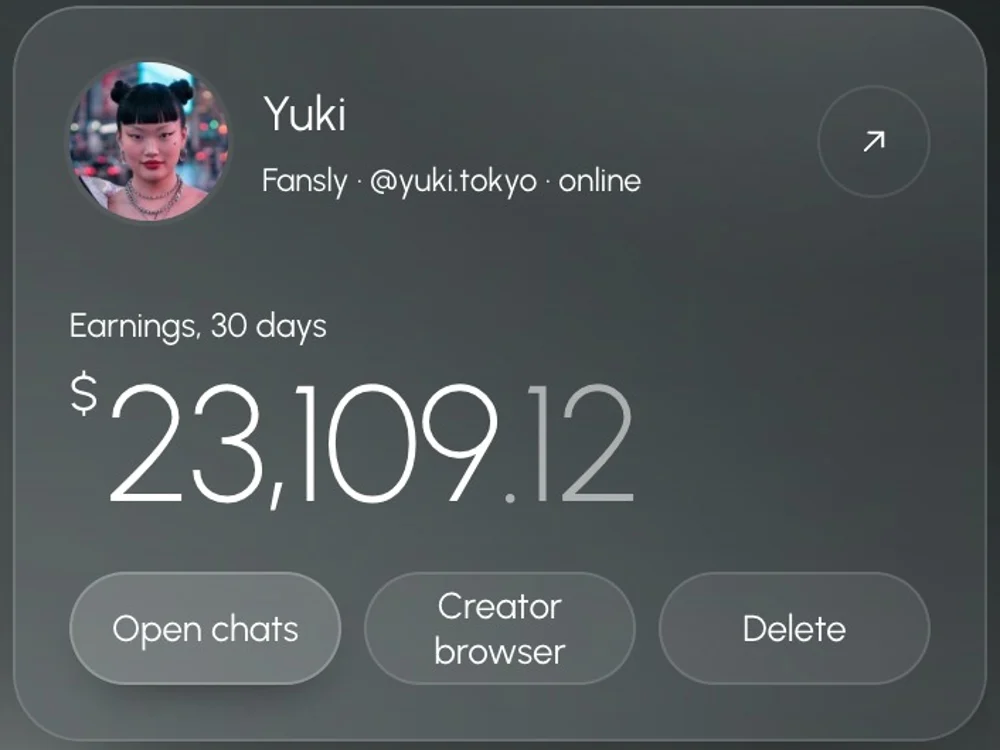
Each model also gets her own dedicated US proxy, included in the price, and a separate session that does not mix with other models. We explain why that matters in our plain-English guide to proxies for agencies.
Give access with an invite, not a password
New team members join by invite link. When you create the link you choose:
- Role: chatter or manager.
- Position, which carries the permissions (more on that below).
- Expiry: 1 hour, 24 hours, 3 days, 7 days, 30 days or your own number of days.
- Which models the person will see. Leave it empty and they see all of them; pick a few and they see only those.
The person signs up with their own email and password. You never share yours, and they never get the model's. If the link leaks before it is used, revoke it in one click from the list of active invites.
Approve new devices
When a team member signs in from a new computer, the device appears in the Devices tab and waits for you. You approve it or reject it. A chatter cannot quietly move their work to an unknown laptop, and you always have a list of which devices belong to whom.
Positions: decide what each person can touch
Access is not all or nothing. A position in Leeward is a set of switches. The ones agencies use most for chatters:
- Chat only: the person sees conversations and nothing else.
- Access only during shift: outside their shift hours the account is closed to them.
- No mass messages: they can talk to fans one by one but cannot send to a whole list.
- No vault upload: they can use media from the vault but cannot add files to it.
- Separate switches for revenue and metrics, automation, team management and the model's browser.
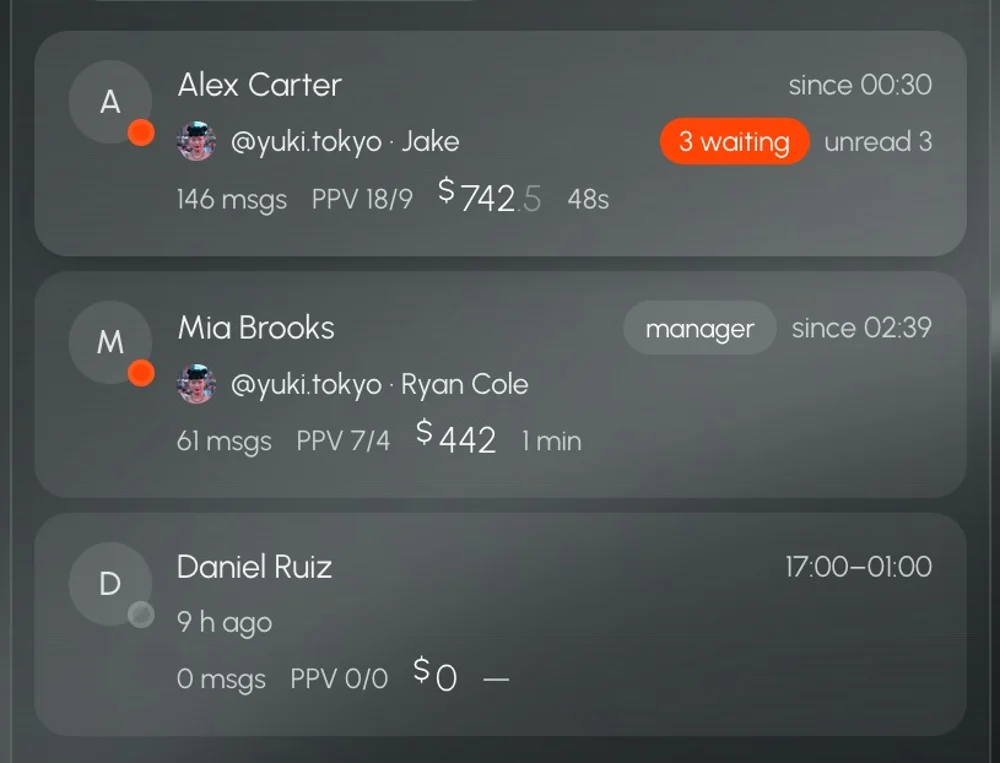
A new chatter on a trial week might get chat only, shift hours only and two models. A senior chatter you trust gets more. You change it in one place and it applies the next time they act.
The vault: send, but do not download
Content is the most expensive thing an agency holds. In Leeward's vault a chatter sees previews, picks media and sends it to a fan as PPV. They cannot download the originals. That removes the easiest way content walks out of the agency.
When someone leaves: Close access
The moment you decide a person is done, press Close access. It works immediately: their sessions end, their chats close, and they cannot sign back in. You do not need to change the model's password, because they never had it. Nothing else in the team is affected.
Access is half of the job. The other half is making sure nobody pulls fans away through the chat itself, with a phone number or a link. That is what the leak filter does, covered in how to stop chatters from taking fans off-platform.
A setup checklist for your agency
- Download Leeward for macOS or Windows and connect your models one by one.
- Create positions before you invite anyone: at least "Chatter, trial" and "Chatter".
- Send invites with short expiry and only the models each person needs.
- Approve devices as they appear, and reject anything you do not recognise.
- Delete the shared doc of logins. Tell the models their password now stays with them.
- Write a simple rule into your chatter agreement: access is personal, and it is closed the day the work ends.
More detail on roles, invites and devices is on the Fansly CRM page and the OnlyFans CRM page. If you are comparing tools, see Leeward vs Infloww. Plans are per model, and every connected model starts with a 7-day free trial; current prices are on the pricing section.